
Sound alerts
Sound alerts for TikTok Live — react to every gift, like, and follow
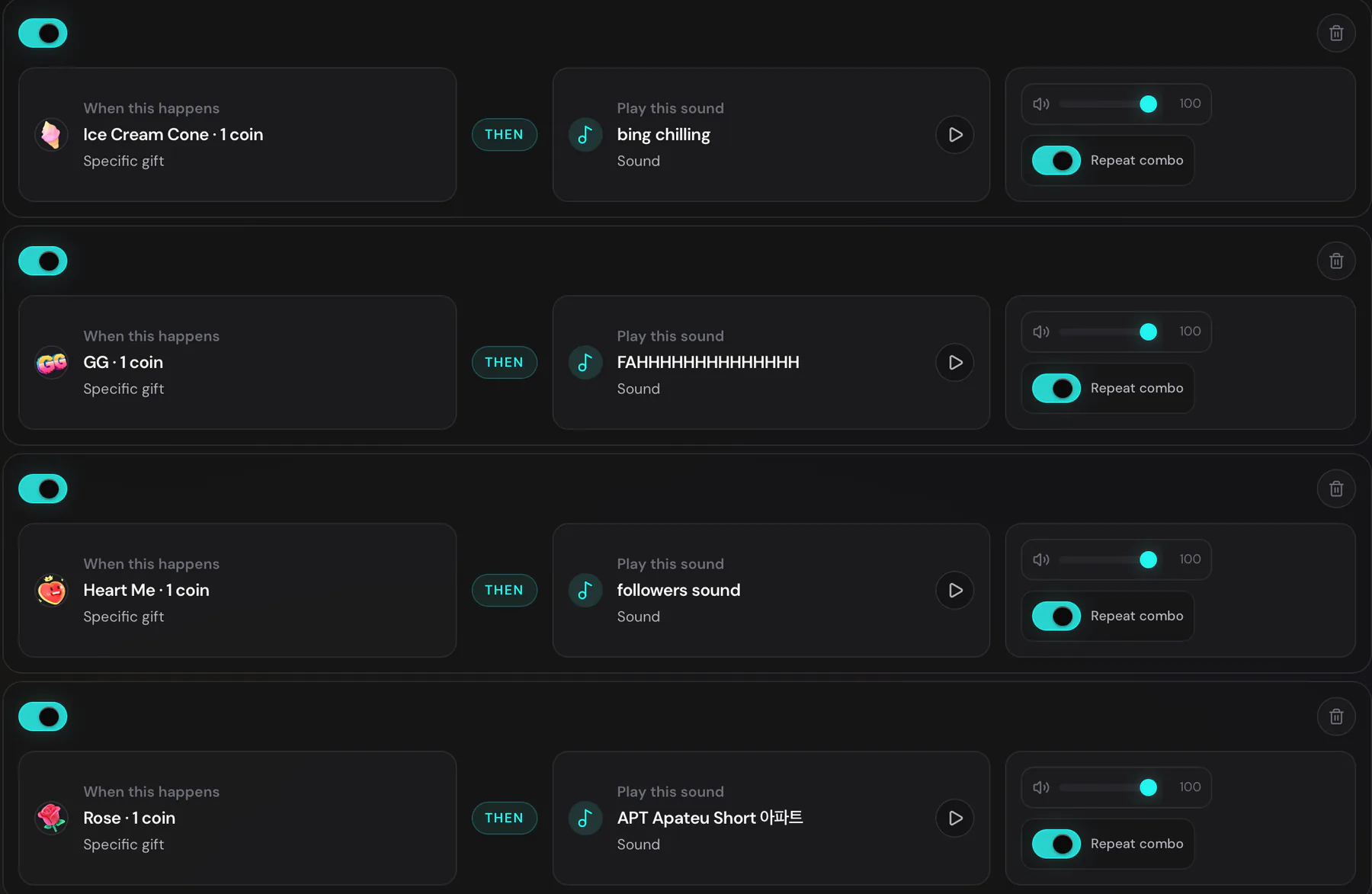
Trigger a custom sound when anyone sends a rose, drops an ice cream, follows, or comments. Ten free alerts. Myinstants library built in.
What are TikTok Live sound alerts?
Sound alerts are short audio clips that play live during your TikTok Live whenever a viewer triggers them — a gift, a comment containing a keyword, a follow, a share, or a like milestone. They give every viewer interaction an audio reaction.
Why creators run sound alerts
Audible gift reactions
Map each TikTok gift to a sound. The rose gets a chime, the ice cream gets a slurp, the dragon gets a roar. Viewers feel their gift landed.
Meme SFX without leaving the app
The Myinstants library is built in — search for a sound and add it to a trigger in two taps. No download, no upload, no file management.
Keyword-triggered SFX
Set up a sound that plays when anyone types a specific word in chat. Great for inside jokes and stream rules.
Ten free, unlimited on Pro
Free covers up to 10 sound alerts. Pro removes the cap and adds custom MP3 uploads up to 5 MB and 30 seconds.
More overlays
Every overlay is designed to stand out
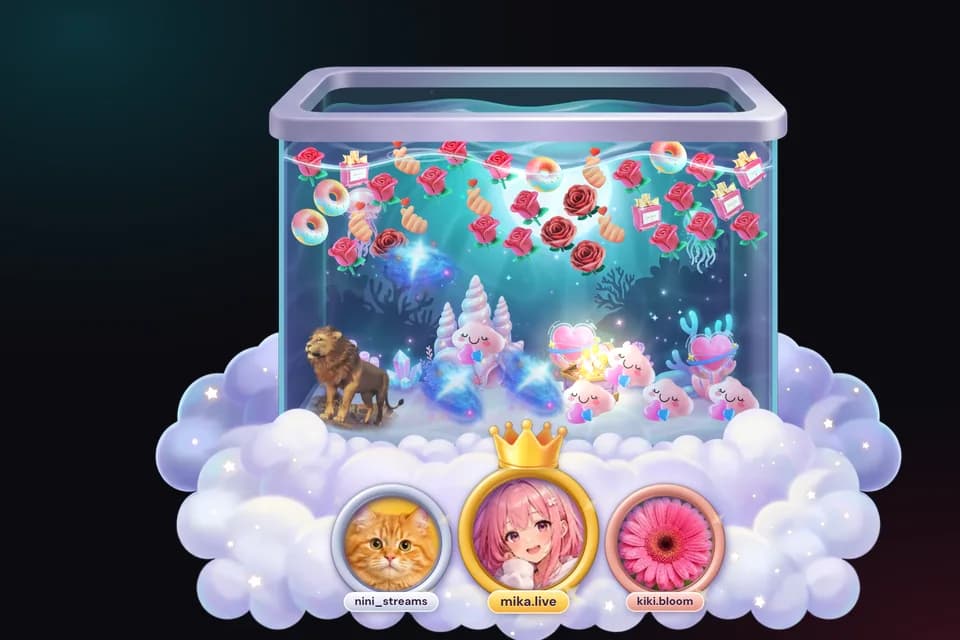
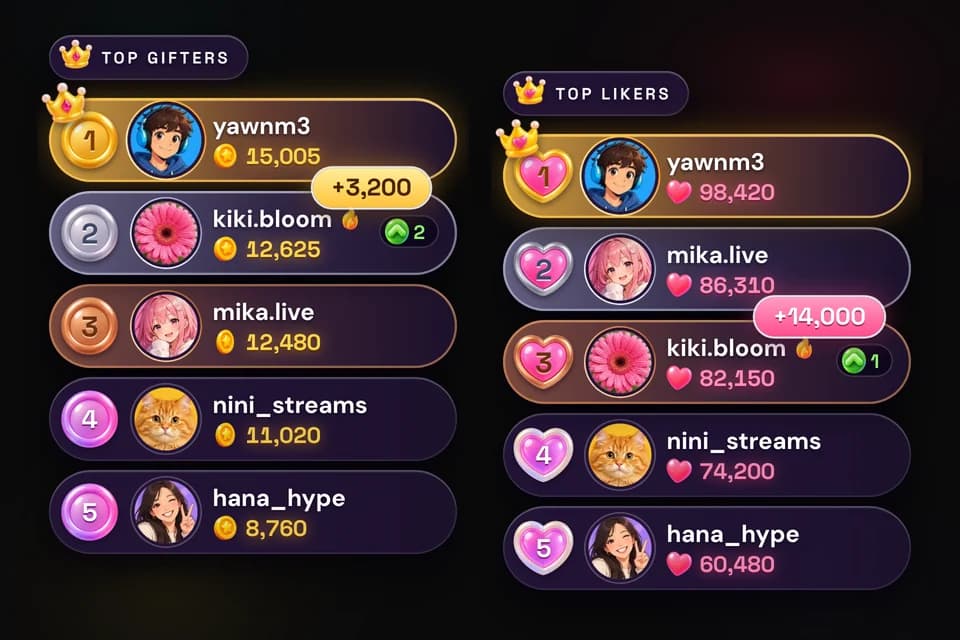
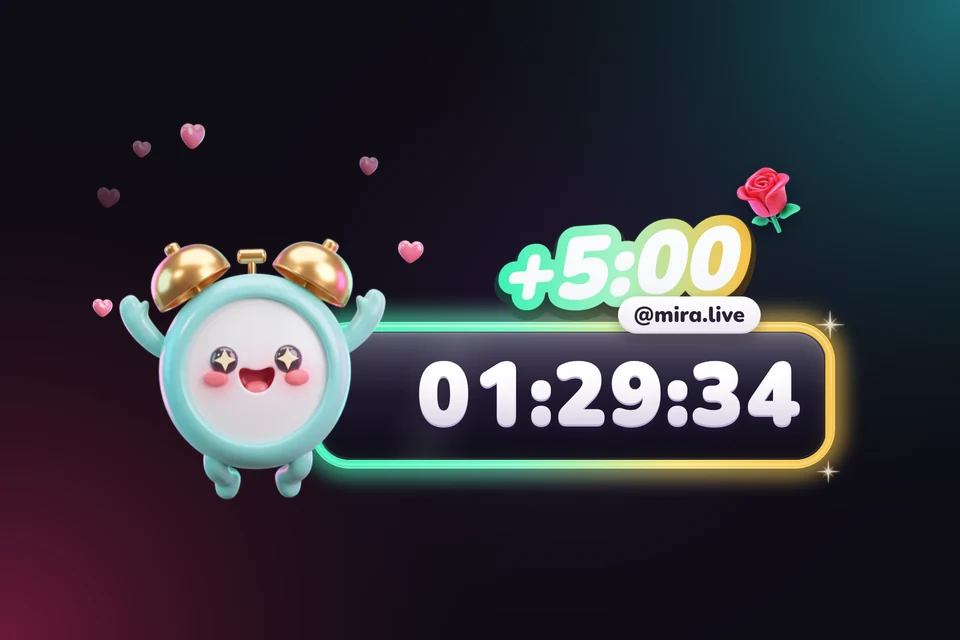
Hand-crafted art, glossy medals and gifts that pile up live. 5 overlays are free forever, so you can start today.
How to add sound alerts to your TikTok Live
Sign in, choose a trigger and sound, then test it before going live.
- 01Sign in
Create a free account.
- 02Connect your TikTok handle
Paste your TikTok username.
- 03Pick a trigger
Choose a gift, a keyword, a follow, or a like milestone.
- 04Pick a sound
Search Myinstants, choose a preset, or upload your own audio (Pro).
- 05Keep the dashboard open
Sound alerts play in the TTLiveConnect dashboard tab. Keep it open, then capture that browser or application audio in OBS or TikTok Live Studio.
FAQ
Sound alerts FAQ
Are TikTok Live sound alerts free?
Yes. Up to 10 sound alerts are free forever. Pro removes the cap and adds custom uploads.
Do sound alerts work with OBS?
Yes. Keep the TTLiveConnect dashboard tab open, capture that browser or application audio in OBS or TikTok Live Studio, and run a test before you go live.
Can I use Myinstants sounds?
Yes. The Myinstants library is built in. Search for a sound and add it to any trigger without leaving the app.
Can I upload my own audio?
Yes — on the Pro plan. Free uses the preset library and Myinstants. Pro adds MP3 uploads up to 5 MB and 30 seconds per file.
Is text-to-speech included?
Text-to-speech is a separate feature that reads chat aloud. It is included on every plan.
Can I trigger a sound on a keyword?
Yes. Keyword triggers fire when anyone types a specific word in chat. Useful for inside jokes and stream rules.
Creator resources
Explore creator resources
Choose a product guide to plan your stream setup and understand how each tool works.
Your next live can look this good
Works with OBS Studio and TikTok Live Studio. The Free plan is free forever and requires no card.