
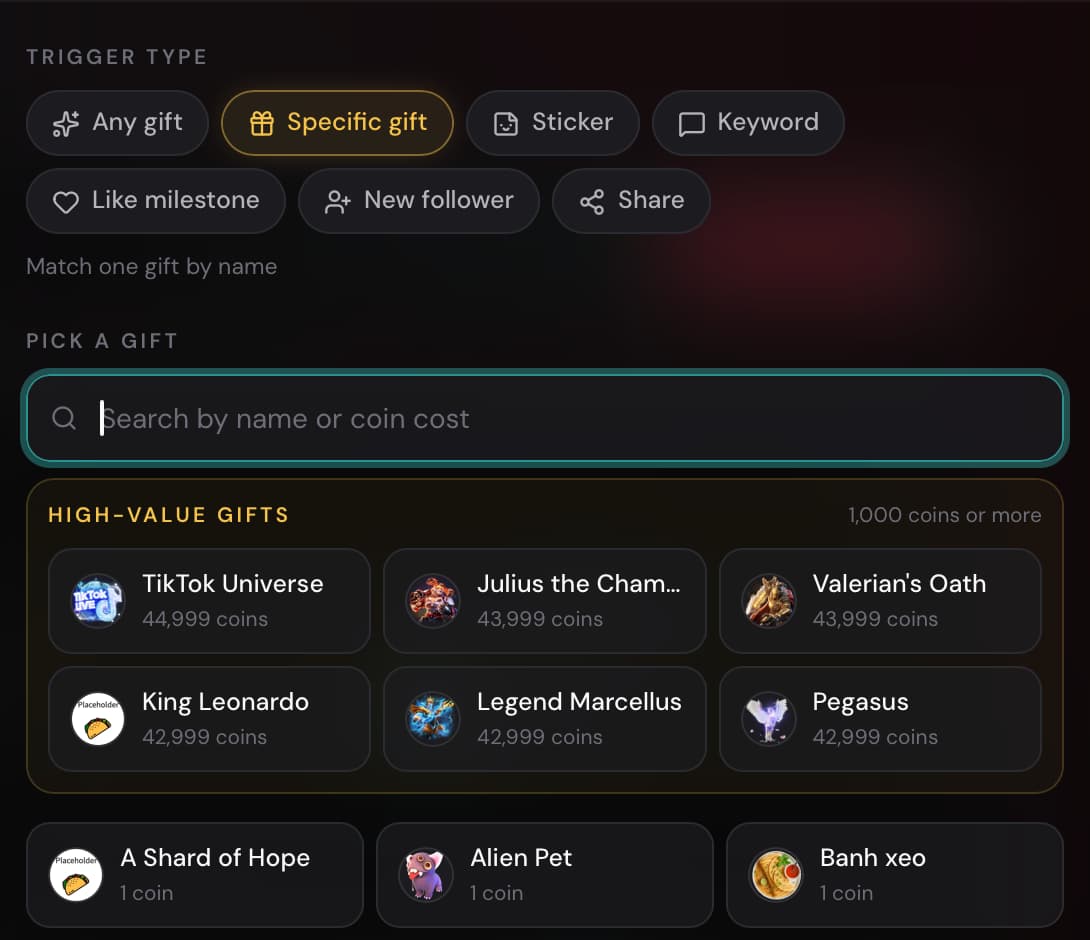
Choose the moment
Trigger a sound from a gift, follow, share, keyword, or like milestone.
Play sound alerts for TikTok Live
Go live from your phone or computer, then keep TTLiveConnect open on another device or in your browser. Your configured sound effects play automatically when viewers trigger them.
Free sound alerts!
Choose your setup
TTLiveConnect only needs one extra screen with its browser open. Use the setup that matches how you stream.
No computer needed
Go live from your main phone. Keep TTLiveConnect open with sound enabled on a second phone, tablet, or laptop; keep its screen on and point your streaming phone’s microphone toward its speakers.
Browser setup
Keep TTLiveConnect open in your browser. Your configured sounds play automatically whenever their triggers happen.
How it works
Choose what should happen, attach a sound, start TTLiveConnect after your live begins, and leave the dashboard open.
Choose a gift, follow, share, keyword, or like milestone.
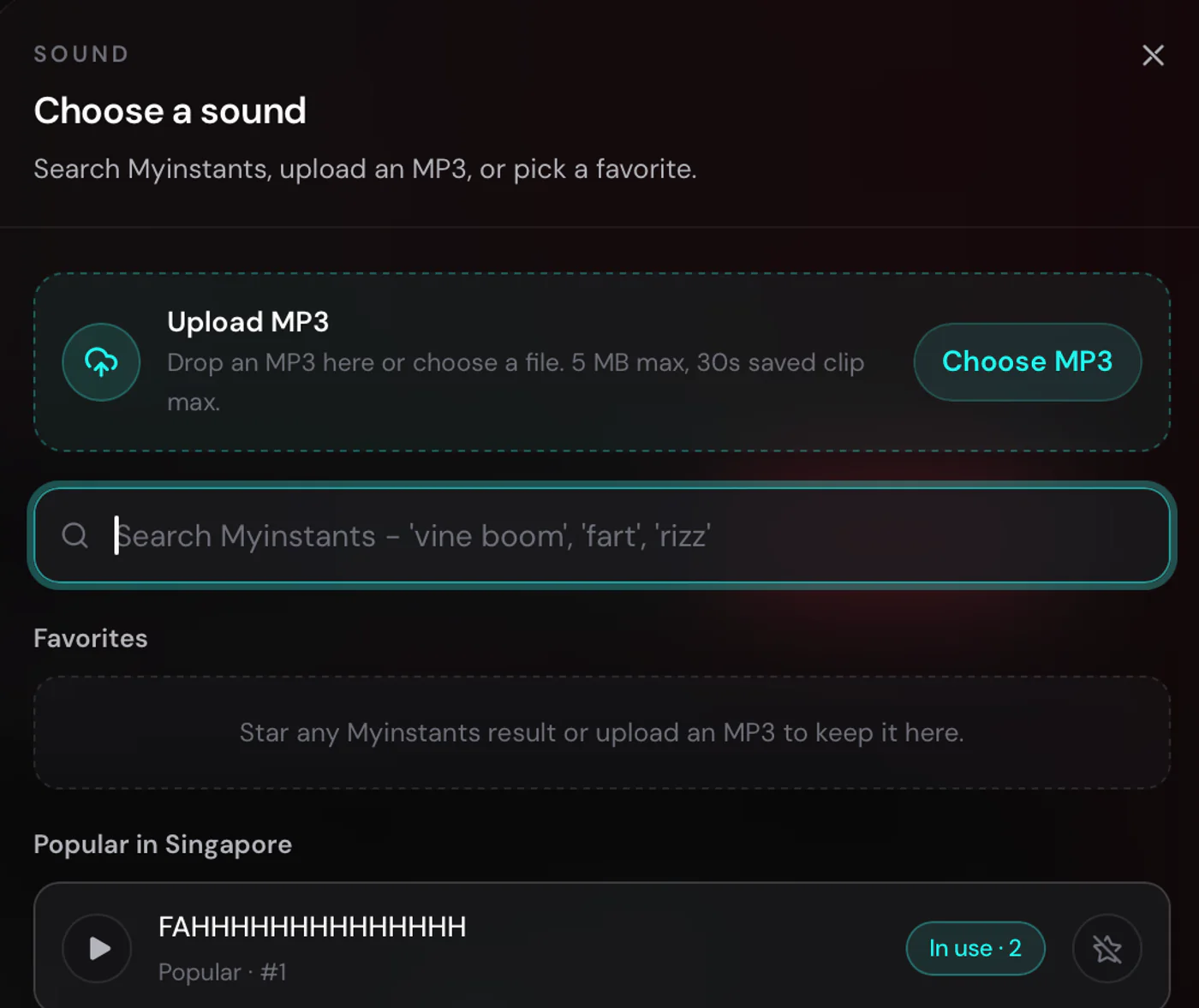
Search for any sound effect or upload your own MP3 file.
Go live on TikTok first, then click Start in TTLiveConnect.
Keep the dashboard open with sound enabled and let interactions play your sounds.
Inside the studio
Pick triggers and sounds, customise your overlays, and review each livestream when it ends.
Trigger a sound from a gift, follow, share, keyword, or like milestone.
Search sound effects, save favourites, or upload your own MP3.
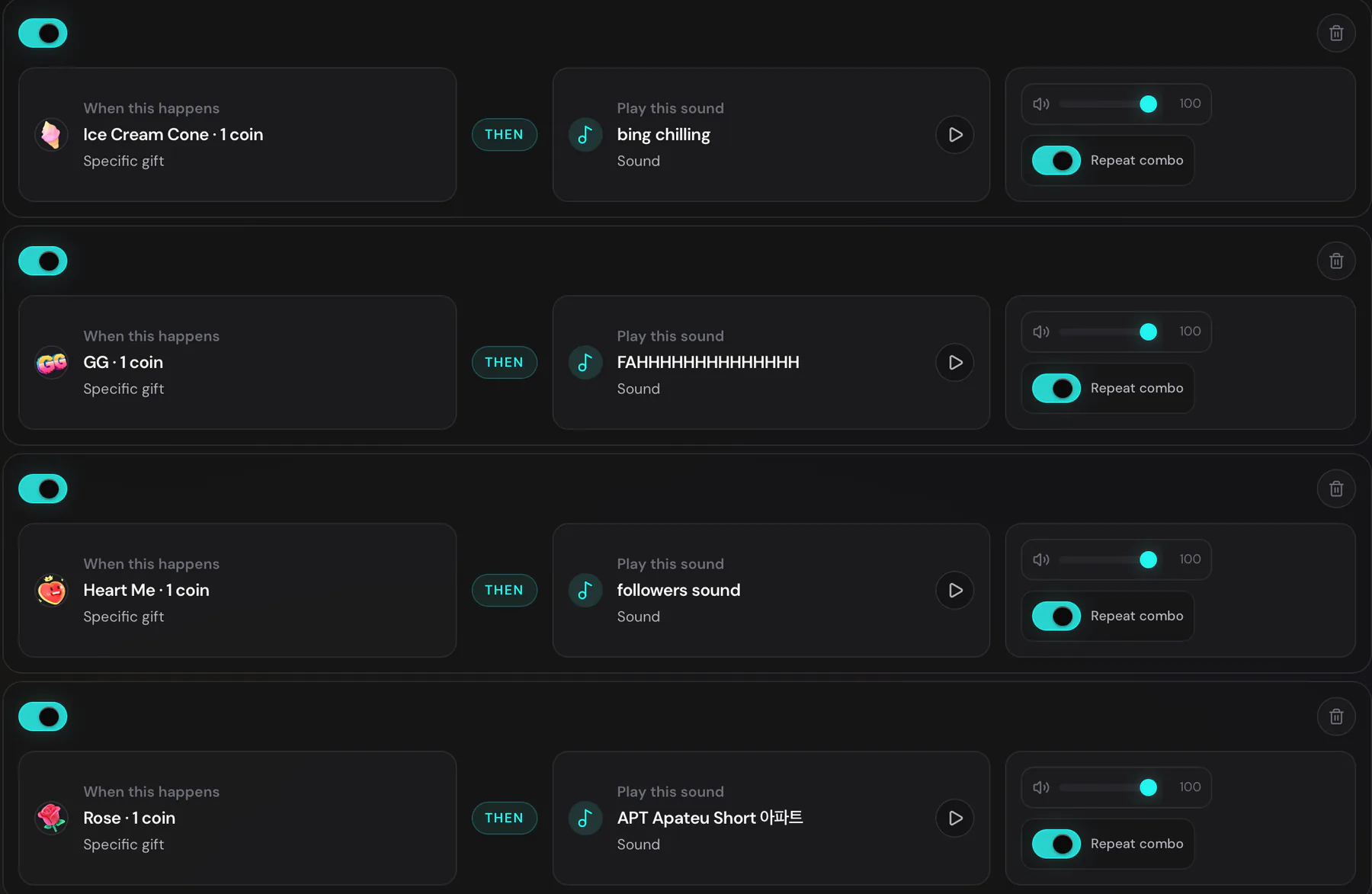
Match each viewer interaction to the sound you want it to play.
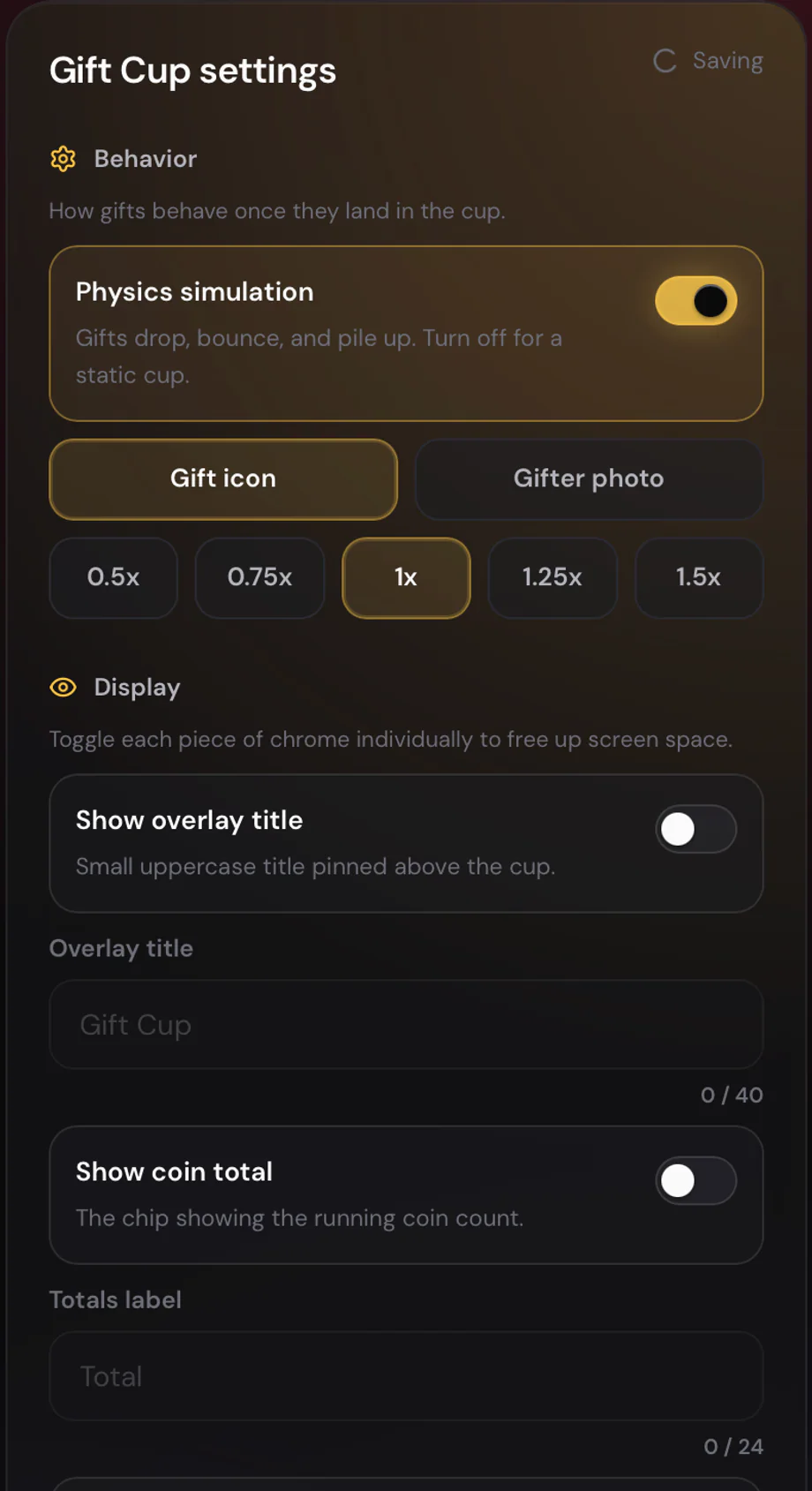
Tune the physics, gift size, labels, and running coin total.
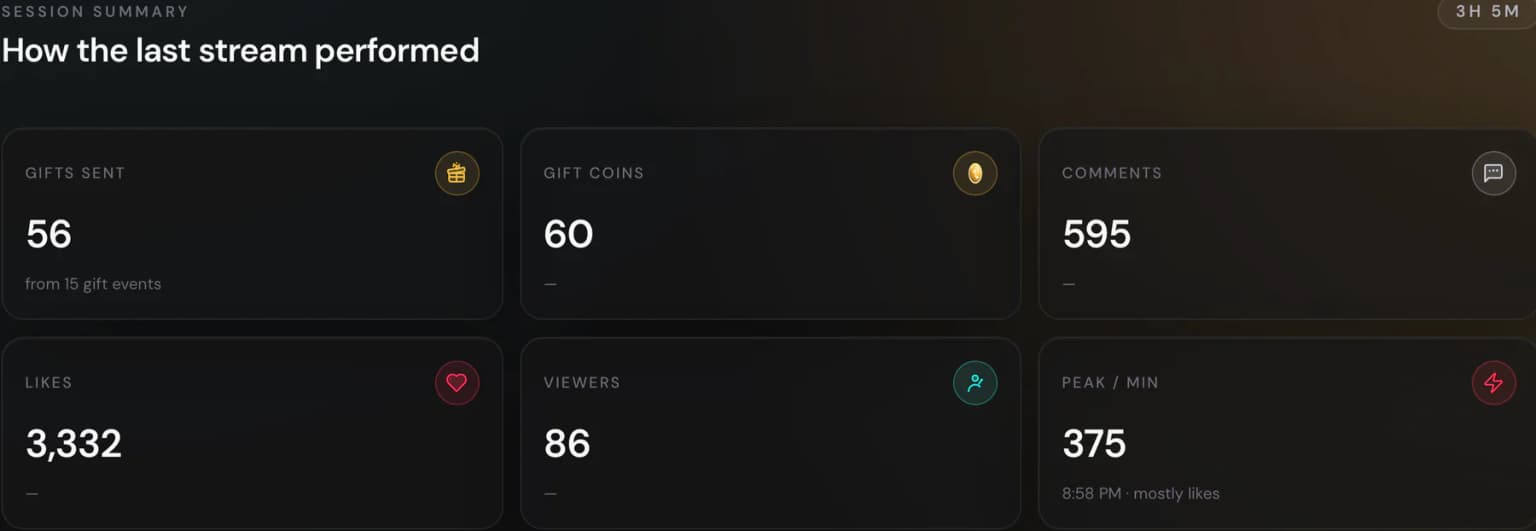
See gifts, coins, comments, likes, viewers, and your busiest moment.
Ready for your next live?
Choose your first trigger and sound, then start for free.
Free sound alerts!
Creator resources
Choose a product guide to plan your stream setup and understand how each tool works.